

Smart TV Proxy SDKs: What They Are, Why They Matter, and How to Protect Your Network
Introduction
Your smart TV can do more than stream movies. It can also sell access to your internet connection without you realizing it.
Researchers at Spur recently scanned over 6,000 LG and Samsung smart TV apps and found proxy software development kits, or SDKs, in more than 2,000 of them. These SDKs let app makers route third-party web traffic through your home network, turning your television into a residential proxy node. For most people, that is invisible. The app looks like a harmless clock, screensaver, or casual game. The trade-off is buried in a one-time prompt that most users forget the moment they click through it.
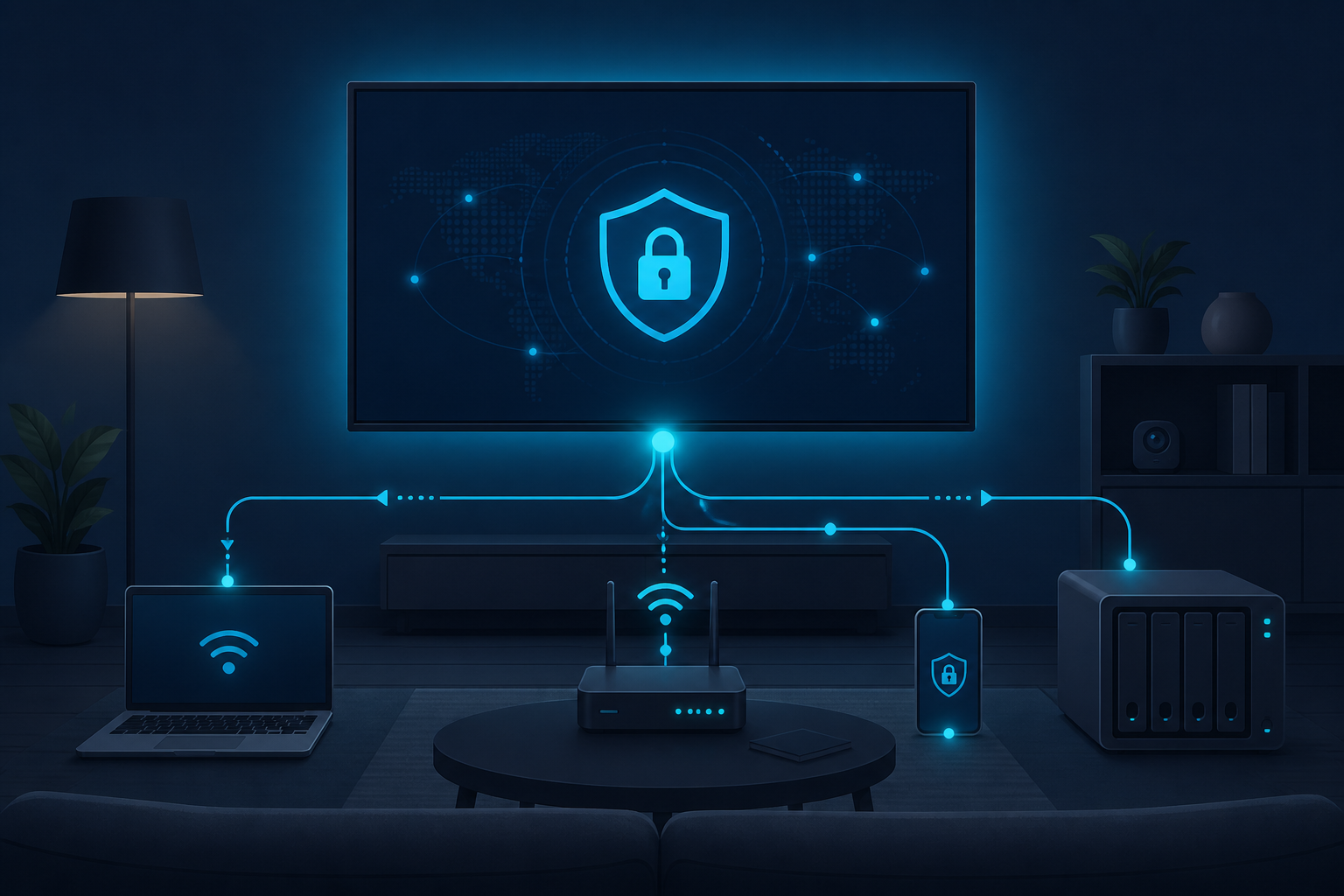
This matters because the device is inside your network. Once a TV app can forward traffic for someone else, it becomes a doorway that points both outward and inward. If that doorway is misused, poorly filtered, or compromised, your router, NAS, printers, and other local devices can end up exposed.
This guide explains what smart TV proxy SDKs are, why they are spreading, and what IT leaders and security-conscious households can do about them.
What Are Smart TV Proxy SDKs?
A proxy SDK is a small software library that app developers drop into their code so the app can relay internet traffic on behalf of someone else. When that SDK runs on a smart TV, the TV’s home internet connection becomes an exit point for that traffic.
The research from Spur found confirmed SDK fingerprints from three major providers across LG webOS and Samsung Tizen apps: Bright Data, Massive, and Honeygain/Oxylabs. The team downloaded actual app packages, unpacked them, and scanned the files for telltale artifacts such as brd_api.js, brd_sdk services, .massivesdk services, and Honeygain SDK files.
The apps that carried these SDKs were not niche utilities. They included simple games, screensavers, clocks, cooking hubs, and other low-interaction software that users install once and rarely think about again. That is part of the strategy. A TV app that does not demand attention is the perfect host for a background service that runs 24 hours a day.
Why Smart TVs Make Ideal Proxy Hosts
Smart TVs have a few traits that make them attractive to proxy providers.
First, they stay online. Unlike phones and laptops, a TV is usually plugged in, connected to Wi-Fi, and powered all the time. There is no battery to drain and no app switcher to inspect.
Second, people do not audit them. Most users treat smart TVs like appliances. They install apps from the platform store without reading permissions closely and rarely check what those apps are doing later. A one-time consent prompt, navigated with a remote, is easy to dismiss.
Third, the network location is valuable. The TV sits on the same home network as laptops, phones, work devices, and often company hardware used by remote workers. That gives the proxy SDK a trusted spot inside a perimeter that most people assume is safe.
How Consent Works in Practice
The proxy SDKs studied by Spur ask for permission once. The prompts mention data sharing, web indexing, or ad-free access in exchange for using the connection. The critical clause is the background permission: the SDK can keep running after the app itself is closed.
For example, Spur found a Pac-Man game on Samsung Tizen that framed Bright Data as the ad-free option. Accept the prompt and the app removes ads in exchange for using the TV’s connection. Decline and the ads stay. That is a clear trade-off, but it still assumes the user understands what “web indexing” actually means.
In many cases, the user is not the only person affected. A child, guest, or household member can approve the prompt on a shared device, binding the entire household’s network to a third-party traffic relay.
Who Is Publishing These Apps?
Spur found that the proxy providers themselves, or entities closely tied to them, often appear as the app publishers. Bright Data, Bright Data Ltd, and Bright SDK accounted for 367 proxy-flagged apps in the dataset. Honeygain UAB, a subsidiary of Oxylabs, showed up as the publisher on another 16.
That suggests the apps are not innocent third-party products that accidentally picked up a monetization SDK. They look like first-party inventory built specifically to host the SDK. The app is the wrapper. The residential IP address is the product.
This distinction matters for IT and security teams. You are not just blocking a sketchy game. You are blocking a device category that may have been designed from the start to monetize your network connection.
The Platform Gap
Not every TV platform allows this. Amazon’s Device and System Abuse Policy explicitly prohibits apps that help run proxy services for third parties. Roku has reportedly barred Bright SDK and similar proxy services, and apps using those SDKs disappeared from Roku’s store after the company was contacted, according to reporting by Lowpass at The Verge.
LG and Samsung have not drawn the same public line, at least as of the Spur research. That gap is where these apps continue to operate at scale.
For businesses, this means your security policy cannot assume all smart TV platforms are equal. A device policy that treats LG and Samsung the same as Roku or Fire TV may leave a hole.
Why Proxy SDKs Are a Real Security Risk
The obvious risk is bandwidth and reputation. Someone else’s traffic leaves your IP address, and if that traffic is abusive, your household or business IP can get flagged.
The deeper risk is lateral movement. The TV is on the internal network. If the proxy SDK allows, or fails to block, requests to private or local addresses, then the TV becomes a bridge from the public internet into your LAN.
Spur noted that the Bright Data SDK sample included an explicit private-range blocklist covering 127.0.0.0/8, 10.0.0.0/8, 172.16.0.0/12, 169.254.0.0/16, and 192.168.0.0/16. That is reassuring, but it also proves the capability exists. The boundary is enforced by the SDK’s policy code, not by architecture.
In the Massive sample, the SDK parsed a server-supplied host:port value and opened a direct socket. In the Honeygain/Oxylabs sample, a server message triggered a connection to a supplied address.host and address.port. Spur did not find comparable private-range blocklists in those local samples. The real boundary is the provider’s customer vetting, traffic filtering, and whatever review LG or Samsung apply.
This is not theoretical. In January 2026, KrebsOnSecurity reported on Kimwolf, a botnet that abused residential proxy networks to tunnel back into the LANs behind proxy endpoints. Attackers used proxy access not just for public-web traffic, but to reach devices on the same local network as the proxy node.
How Residential Proxy Detection Works
Residential proxies are hard to stop with IP blocklists alone because the IP itself is legitimate. It belongs to a real ISP and a real household. Blocking it risks locking out real customers or employees.
Modern detection looks at signals beyond the IP address. Device intelligence tools check for browser tampering, missing or inconsistent APIs, automation patterns, and whether the same device appears across many unrelated accounts or regions. Reputation systems and proxy detection feeds classify whether an IP is behaving like part of a residential proxy pool.
No single signal is perfect. The best approach is to combine several signals into a risk score and respond with graduated friction rather than a hard block.
What IT Leaders Should Do
Smart TV proxy SDKs are a consumer issue that bleeds into the workplace. A remote employee’s home network may host one of these TVs. A small-business conference room TV may have a screensaver app that joined a proxy network. A guest Wi-Fi network may let a visitor’s TV app reach internal resources.
Here are practical steps.
1. Know What Is on Your Network
Maintain a live inventory of devices, including smart TVs, streaming sticks, and IoT hardware. If you do not know a device is there, you cannot protect it.
2. Segment IoT Traffic
Put smart TVs, cameras, and similar devices on a separate VLAN or IoT network. Allow them internet access, but block or restrict their ability to talk to internal business systems, workstations, and servers. Network segmentation is one of the highest-impact controls for IoT risk.
3. Apply DNS and Content Filtering
Use DNS filtering or a firewall to block known proxy SDK endpoints and command-and-control domains. This will not catch everything, but it raises the bar.
4. Review Home-Office Setups
Remote workers often use personal networks for business. Provide guidance on smart TV app installation, or supply a managed router that separates work devices from household devices.
5. Check App Permissions and Remove Unnecessary Apps
On managed or shared TVs, remove apps that are not needed. If a simple app asks for network or background permissions that do not match its function, treat it as suspicious.
6. Use Proxy Detection in Perimeter Defenses
For web-facing services, add residential proxy detection to your fraud and abuse stack. Look at device signals, behavior, and IP reputation rather than relying on IP allowlists alone.
What Consumers Should Know
If you manage a home network, the same principles apply at a smaller scale.
- Keep your TV firmware and apps updated.
- Remove apps you do not use.
- Read prompts that ask to share data or use your connection.
- Put IoT devices on a guest network when possible.
- Monitor your router for unusual outbound traffic or DNS queries.
The risk is not that every smart TV app is malicious. The risk is that a quiet, always-on device can become a relay for traffic you never see.
The Bigger Picture
Smart TV proxy SDKs are one example of a broader trend: consumer devices being turned into infrastructure for third-party services. The business model is not new. Bandwidth-sharing apps, free VPNs, and hidden mobile SDKs have done the same thing for years.
What is new is the scale and the location. A TV is not a phone. It is a fixture in the home, often shared, rarely patched, and connected to the same network as everything else. That makes it a high-value target for anyone who wants to borrow a trusted residential IP address.
For businesses, the lesson is that endpoint security does not stop at laptops and phones. The network perimeter now includes any device that can install an app and reach the internet.
Sources
- Spur Intelligence. “Nearly Half of LG Smart TV Apps Are Laced with Proxies.” June 22, 2026. https://spur.us/blog/smart-tv-apps-residential-proxy-sdks
- Fingerprint. “How Residential Proxies Help Attackers Look Like Real Users.” December 2, 2025. https://fingerprint.com/blog/residential-proxies-explained/
- Pixalate. “Pixalate’s May 2026 Most Common Programmatic Ad Fraud Types in CTV Apps.” June 9, 2026. https://www.pixalate.com/blog/pixalates-may-2026-most-common-programmatic-ad-fraud-types-in-ctv-apps